Why a Photo Menu Beats a PDF Menu Every Single Time
PDF menus feel modern but behave like paper. Here's why photo and video menus convert better for restaurants, cafes, and takeaways.
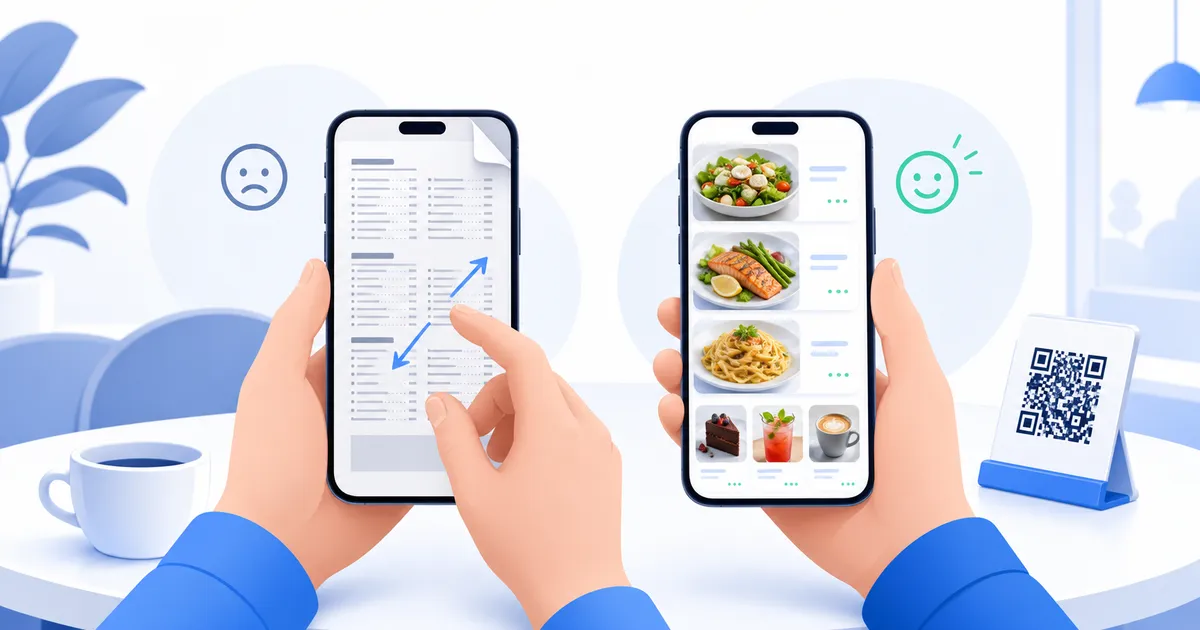
A customer sits down, scans the QR code on the table, and a PDF opens. It’s the same static page they’d have gotten as a printed sheet - just squeezed onto a phone screen, with pinch-to-zoom required to read the small print. That’s not a digital menu. It’s a paper menu wearing a QR code as a costume.
The PDF menu is a compatibility trick, not an upgrade
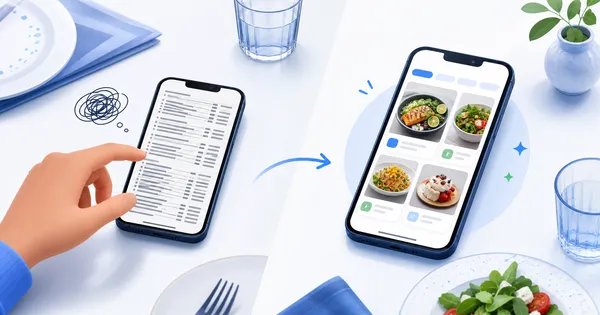
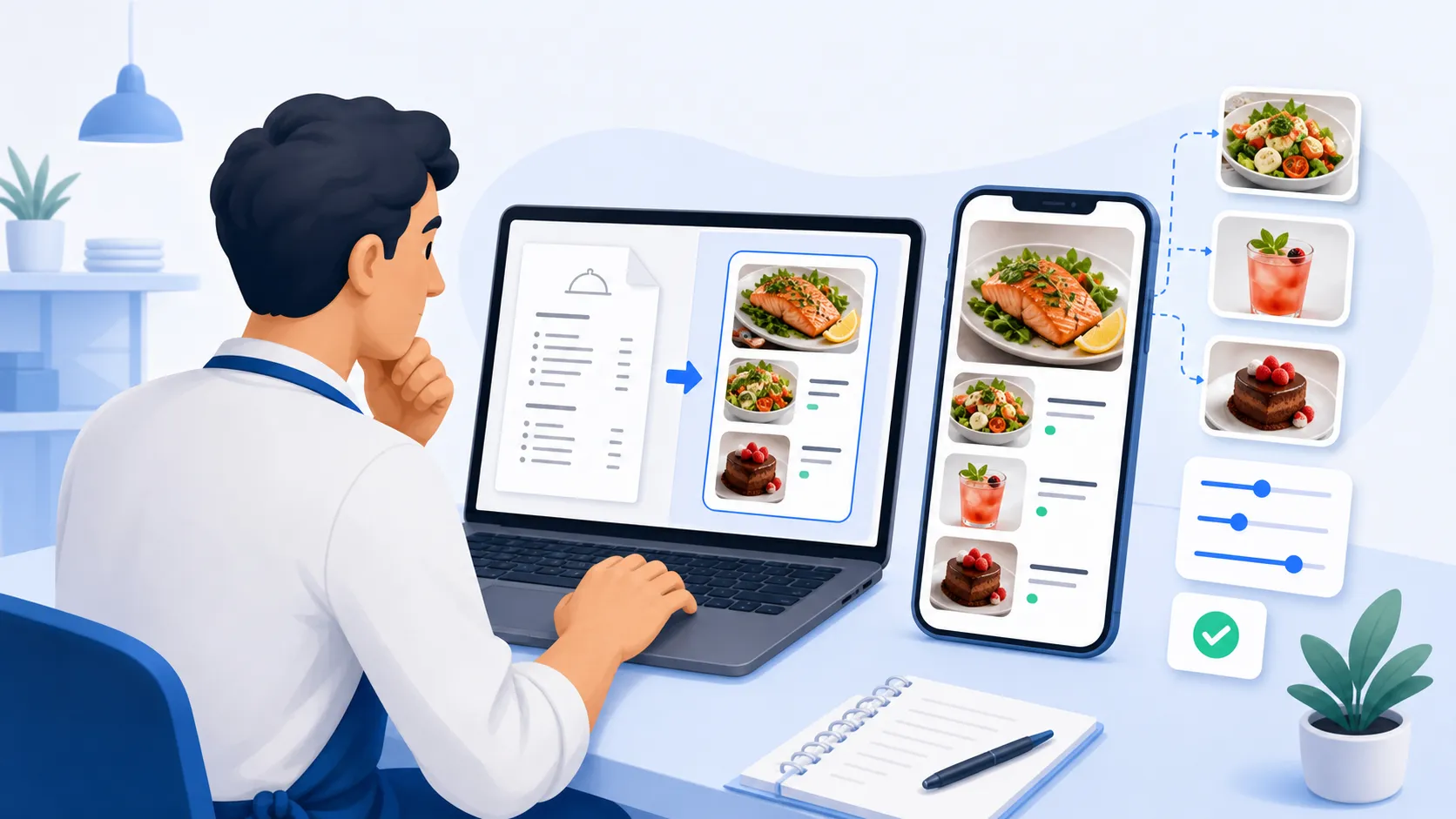
Most “digital menus” are just a scanned or exported PDF sitting on a server somewhere. They solve one real problem - not reprinting paper every time a price changes - but they don’t solve the bigger one: helping a hungry customer decide what to order. A PDF still forces someone to read a wall of text and imagine what a dish looks like.
Photos change how people order
Food is a visual decision. Someone scrolling a menu with real photos of the dessert case or the weekend brunch plate is far more likely to add an extra item, or pick the thing that actually looks good instead of the safest option they recognize. Think of a dessert shop where the “signature slice” sits three lines down in a PDF’s text list - most people will never notice it. Put a photo next to it, and it becomes the thing everyone points at.
Video takes it one step further
A short looping video of a drink being poured or a pizza coming out of the oven does more in three seconds than a paragraph of description ever could. It’s especially powerful for:
- Specials that change weekly and need to stand out immediately
- Drinks and cocktails where presentation is part of the appeal
- Any dish that’s hard to describe but easy to show
A menu’s job isn’t to list what you sell. It’s to make someone want it.
Update speed matters more than people admit
A supplier price hike on a Tuesday afternoon shouldn’t mean a reprint order and a week of the old price being wrong. With a real digital menu, an owner updates a price or swaps a photo from their phone, and every table sees the new version instantly - no reprint, no laminating, no crossing out numbers with a pen.
The QR code is just the entry point
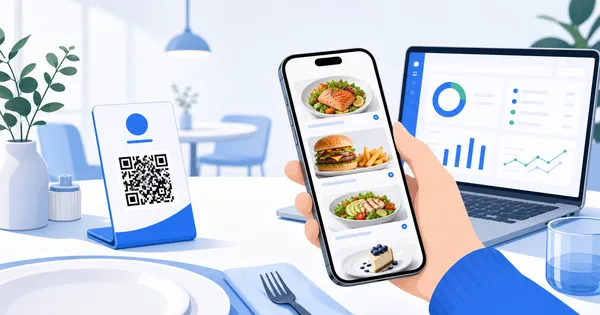
It’s easy to think the QR code itself is the “digital menu.” It isn’t - it’s just a doorway. What matters is what opens on the other side: a fast, photo-rich, mobile-first experience, not a document viewer struggling to render a scanned page on a small screen.
Analytics you never get from a printed menu
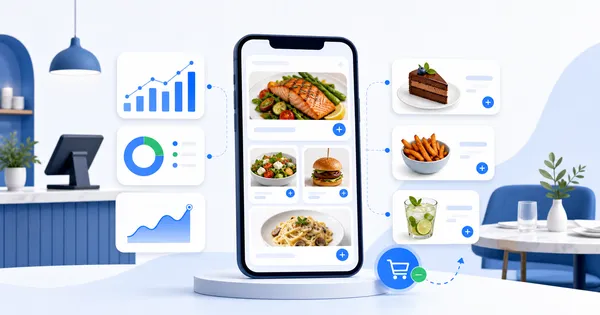
A PDF can’t tell an owner anything. A proper digital menu can show which sections get the most views, which dish photos get tapped, and where in the menu people scroll away - data a laminated card or a static PDF will never produce, and data that turns menu design from a guess into a decision.
If your menu still opens as a document instead of an experience, it’s worth seeing the difference photos and video actually make.
Bring your menu to life with photos and video - see how it looks for your own place in minutes.